工作中遇到的数据更新,学习记录。
1、使用进行数据更新
1)最简单的更新
a set a.price=1.00
2)带条件的数据更新
a set a.price = 2.00 where a.id='02'
3)两张表关联更新为...

工作中数据更新的学习记录:update语句的多种用法
工作中遇到的数据更新,学习记录。
1、使用进行数据更新
1)最简单的更新
a set a.price=1.00
2)带条件的数据更新
a set a.price = 2.00 where a.id='02'
3)两张表关联更新为固定值
a set a.price =3.00 where exits( 1 from b where a.id=b.id)
将a,b相同id的 a表的price 字段更新为 3.00
4)关联更新数据来源第二张表
a set a.price=( price from c ) where exits ( 1 from c where a.id=c.id)
将a表price字段 更新为 id和c表id相同的数据
5)关联更新多个字段
a set ( a.price,a.type)=( c.price,c.type from c ) where exits ( 1 from c where a.id=c.id)
更新a表的price 和 type 字段
6)使用视图方式更新
( a.price old,c.price as new from a , c where a.id=c.id) set old=new
以上为自己了解到的使用方式,需要注意 a.id 和c.id需要一一对应。即c表只有一条id 与a表id对应,否则会报错
ORA-01427:"-row more than one row"
单行查询返回多行结果。是不能进行更新的。
2、merge 更新使用
工作中要对一个字段:次数 进行更新 表数据量在 13w+ 需要两表关联 也就是 两个 13w+ 的表进行关联。
在使用进行更新的时候,效率问题大大降低。加上限制条件更新 100条数据还用了6-8S,所以 并不适用。
查阅资料看到merge 更新,便学习记录。
MERGE 在SQL 、数据库中可用,MySQL、中不可用。可以同时进行更新和插入操作。执行效率要高于+。
语法:
MERGE INTO
your table-name
your table here
USING ( )
your query-sql and using just like a table
ON (
AND ...)
WHEN THEN
here you can some sql or else
WHEN NOT THEN
else here !
示例
merge into tablea a        ----要更新或者操作的表
using tablec c     ----源表 using (select * from tablec ) c
on (a.id=c.id)      --匹配条件
when matched then update set a.price=c.price  --当匹配时进行更新操作
when not matched then     --不匹配进行插入操作
insert values (c.id,c.price)
using 后不仅可以使用 表 也可以是 视图或者子查询 using ( * from ) c
not 可以没有 就是当不匹配什么也不做。
总结:
之前说的使用更新100行数据都需要6-8S 使用merge 更新全部数据(13W+ 与13W+ 关联)只用了10S左右。更新效率可见要比高很多。
仅供学习使用。
注意: Oracle下使用 merge语句,on 后需要加括号, Navicat + Oracle 11g 无括号会报语句错误。
以上摘自:
补充:merge into ... 写法
--删除 t1 表在 t2 表内的记录
merge into test1 t1
using (select id from test2 t2 where t2.name = 'aa') t2
on (t1.id = t2.id)
when matched then
  update  set t1.name = t1.name
  delete where t1.id =t2.id;
以上摘自:
实现将表Test2的name和age字段数据更新到表Test1中,按照id相等的条件
1、多表更新方法:
语法:
UPDATE { table_name WITH ( < table_hint_limited > [ ...n ] ) | view_name | rowset_function_limited }
SET { column_name = { expression | DEFAULT | NULL } | @variable = expression | @variable = column = expression } [ ,...n ]
{ { [ FROM { < table_source > } [ ,...n ] ] [ WHERE < search_condition > ] } | [ WHERE CURRENT OF { { [ GLOBAL ] cursor_name } | cursor_variable_name } ] } [ OPTION ( < query_hint > [ ,...n ] ) ]
例子:
update test1
set test1.name=test2.name,test1.age=test2.age
from test1
inner join test2
on test1.id=test2.id
2、 多表更新方法:
语法:
UPDATE updatedtable
SET (col_name1[,col_name2...])= (SELECT col_name1,[,col_name2...]
FROM srctable [WHERE where_definition])
例子:
update test1
set (test1.name,test1.age)=
(select test2.name,test2.age from test2 where test2.id=test1.id)
3、MySql多表更新方法:
语法:
UPDATE table_references
SET col_name1=expr1 [, col_name2=expr2 ...] [WHERE where_definition]
例子:
update test1,test2
set test1.name=test2.name,test1.age=test2.age
where test1.id=test2.id
4、通用方法:
update test1
set name=(select name from test2 where test2.id=test1.id),
age=(select age from test2 where test2.id=test1.id)
以上摘自:
更新 where from set 数据 使用
热门文章
-
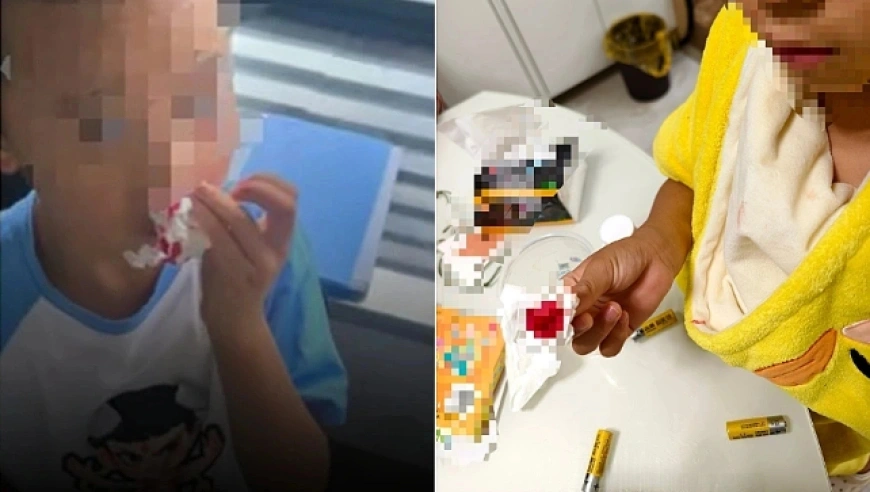
杭州文海实验多名学生流鼻血,官方连夜成立联合工作组彻查工厂排放
-

万茜颜值进阶史:从青涩到“清冷系天花板”的蜕变之路
-

杨少华遗体告别仪式:亲友送别,赵本山送花圈,杨威杨议忙后事
-
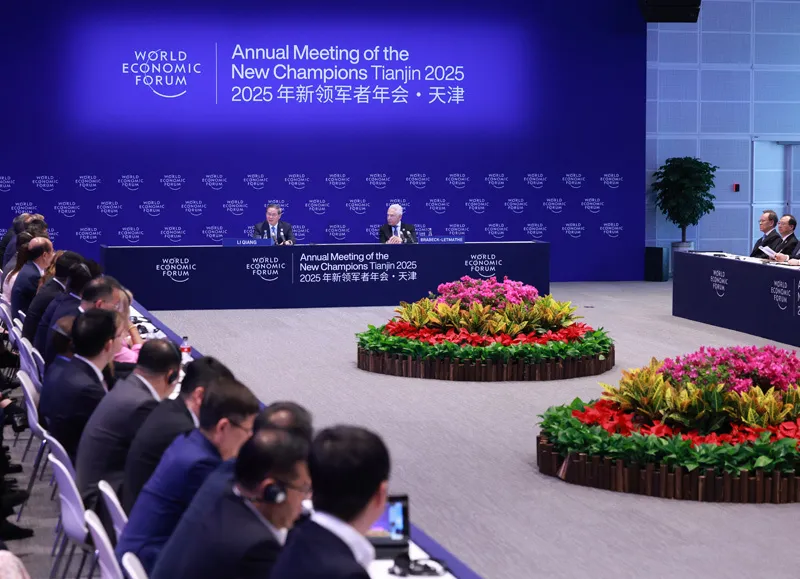
长江商学院自创办第一天起 始终以为中国和世界培养一批具有全球视野
-

深圳南山区“美澳口腔”诊所“跑路”风波:数百患者维权,交款种牙却陷入困境
-
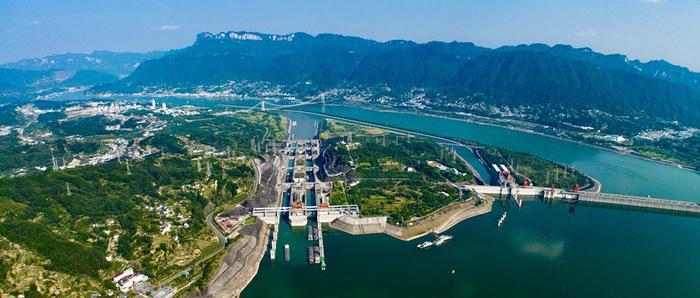
“超级工程”渐行渐近,重庆破局,宜昌“躺赢”?
-
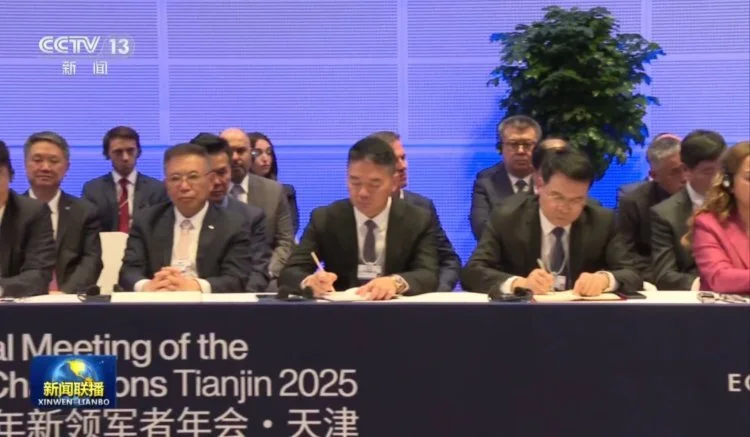
国务院总理李强在天津出席2025年夏季达沃斯论坛工商界代表座谈会
-

首份2025年中报周二亮相,12家公司净利润预增超10倍,华银电力暂居榜首
-
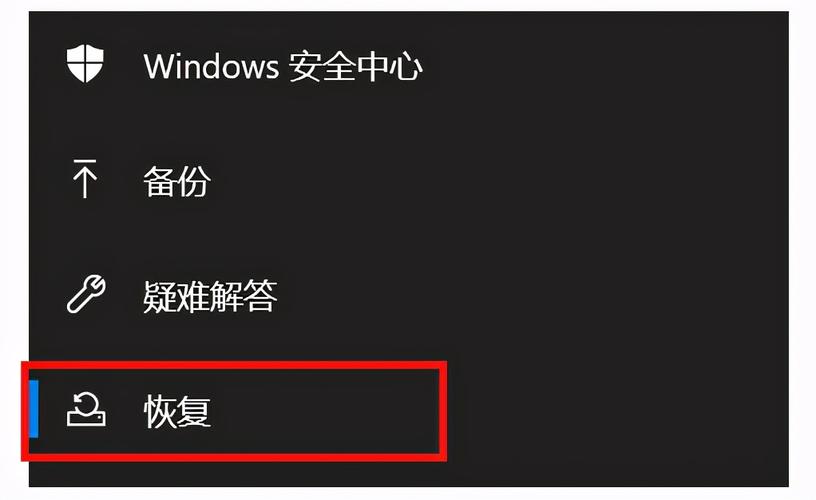
电脑恢复出厂设置步骤详解:备份数据及各操作要点
-

十三岁的星辰:云南女孩侯静怡短暂而明亮的一生
-

广州英华思力足球俱乐部翻译徐进遭日籍教练霸凌猝死,家属讨公道
-

巨子生物“变卦”背后:胶原蛋白检测风波与医美巨头商战
最近发表
-

cmdb CMDB+AI智能体可观测:企业选型避坑指南
-

小米电话手表使用说明:儿童手表选购关键点
-
U盘插上电脑无法启动?教你三步搞定BIOS设置和格式问题
-
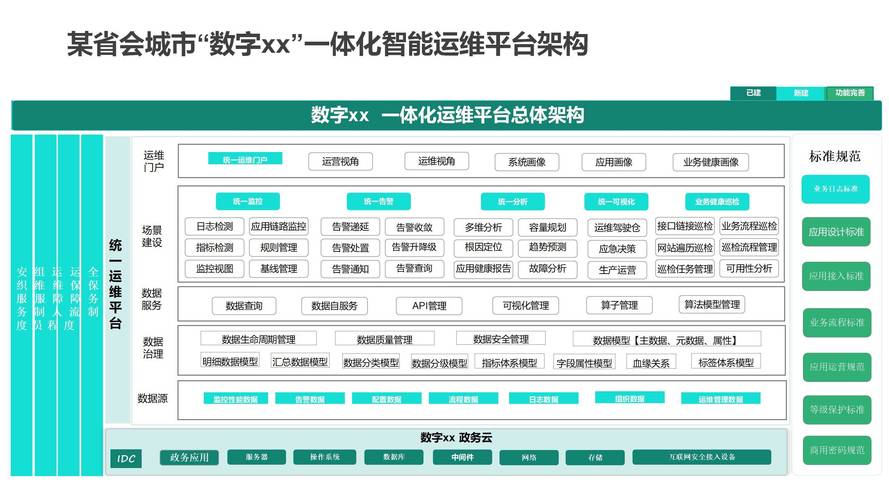
2026企业选CMDB必看:一体化运维如何打通数据与流程
-

电脑无法从U盘引导启动?教你一步步排查设置问题
-

cmdb CMDB遇上告警风暴,一句话揪出根因事件
-
国美电器股票行情:黄光裕再减持,股价创低,投资者需警惕
-

cmdb CMDB救场:网络工程师别再单点抓包了,设备管理先搞清
-

长沙财经学校运动场怎么样?实地探访来了
-
长沙财经学校运动场 新生军训典礼震撼上演
-
大学生知识竞赛节目:湘台学子传统文化抢答赛,看谁更懂中国
-

cmdb CMDB运维实战:MTU故障排查两天,云原生环境避坑指南